Menu bar first
See the current timer when clicking the menu bar icon. CapyBreak stays out of the Dock.

A furry reminder to get up regularly.
A Mac menu bar timer that nudges you to move with a playful pixel-art capybara.
CapyBreak helps you avoid sitting the whole day at your computer. It starts a timer when it detects you being active: if you click, scroll or press the keyboard. Mouse movement on its own does not count. When the timer is up, follow the capybara to get up and move around.
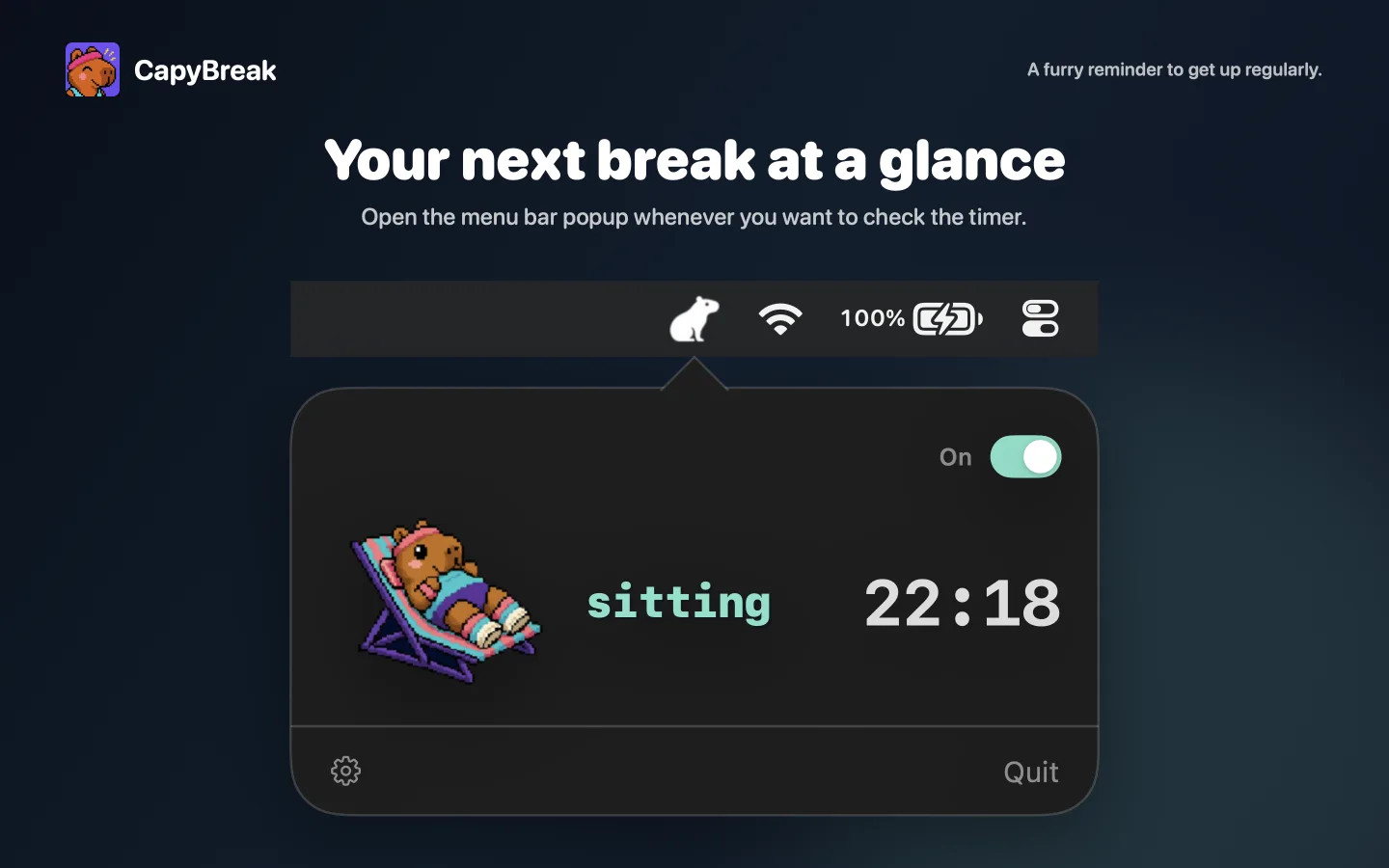
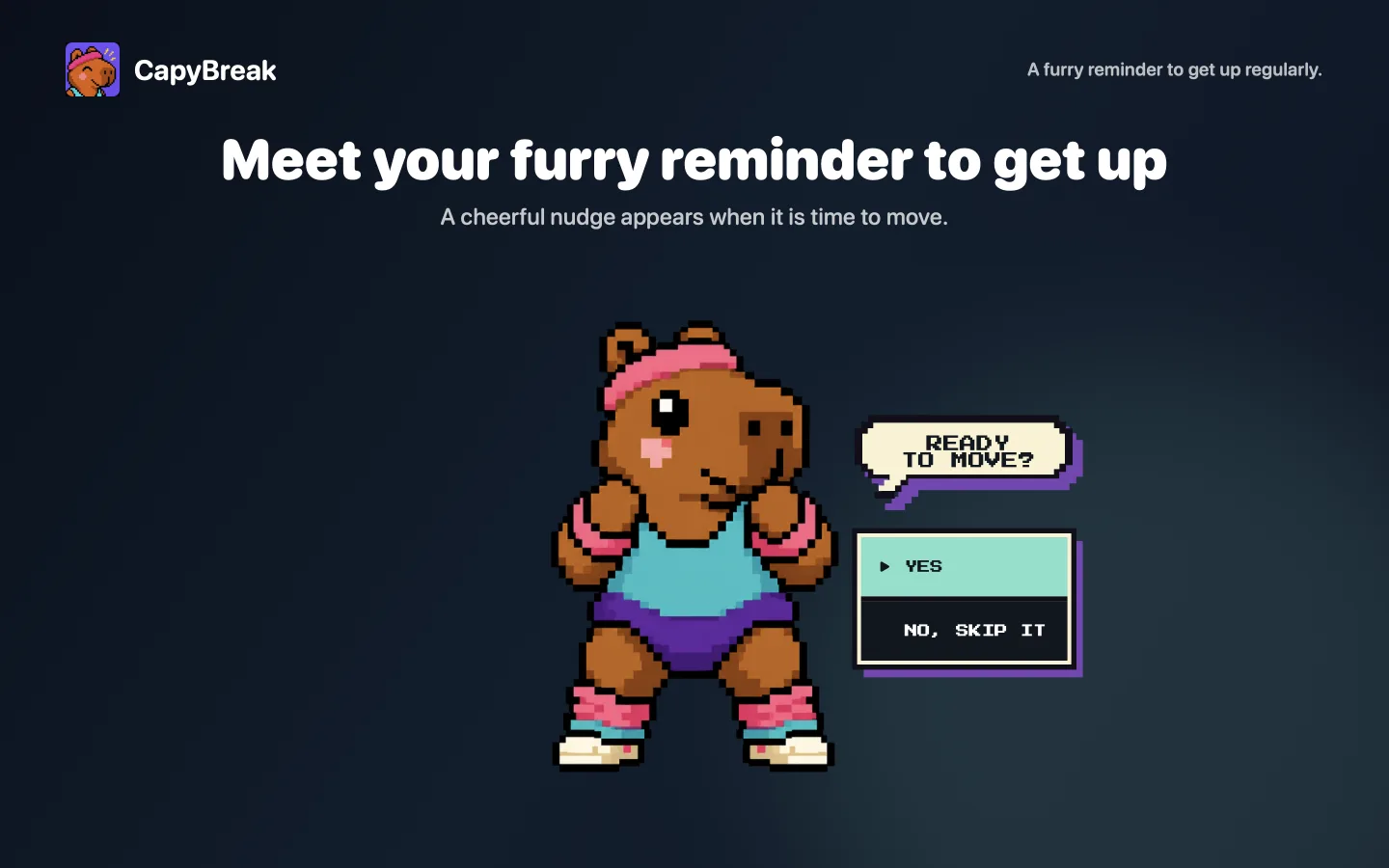
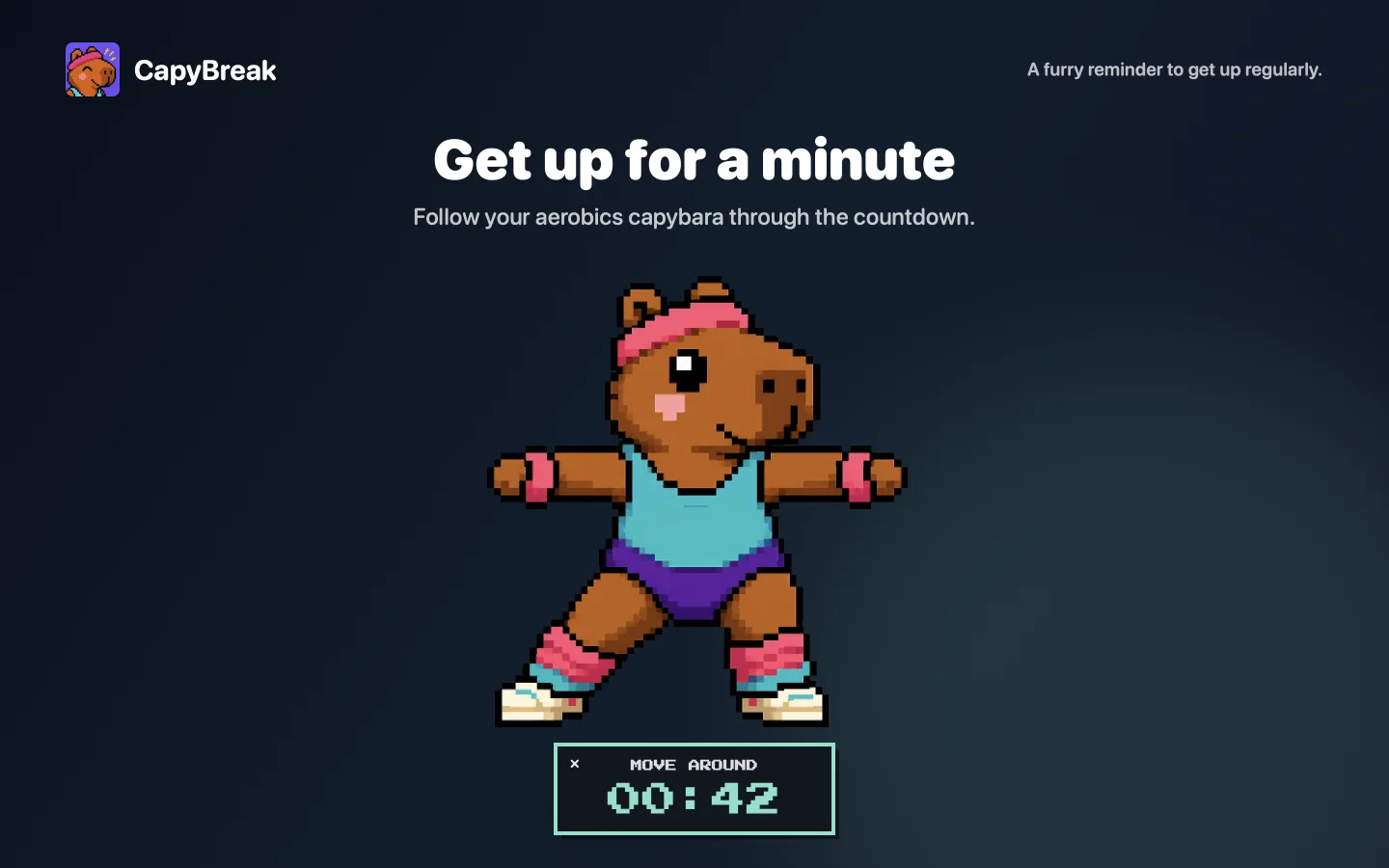
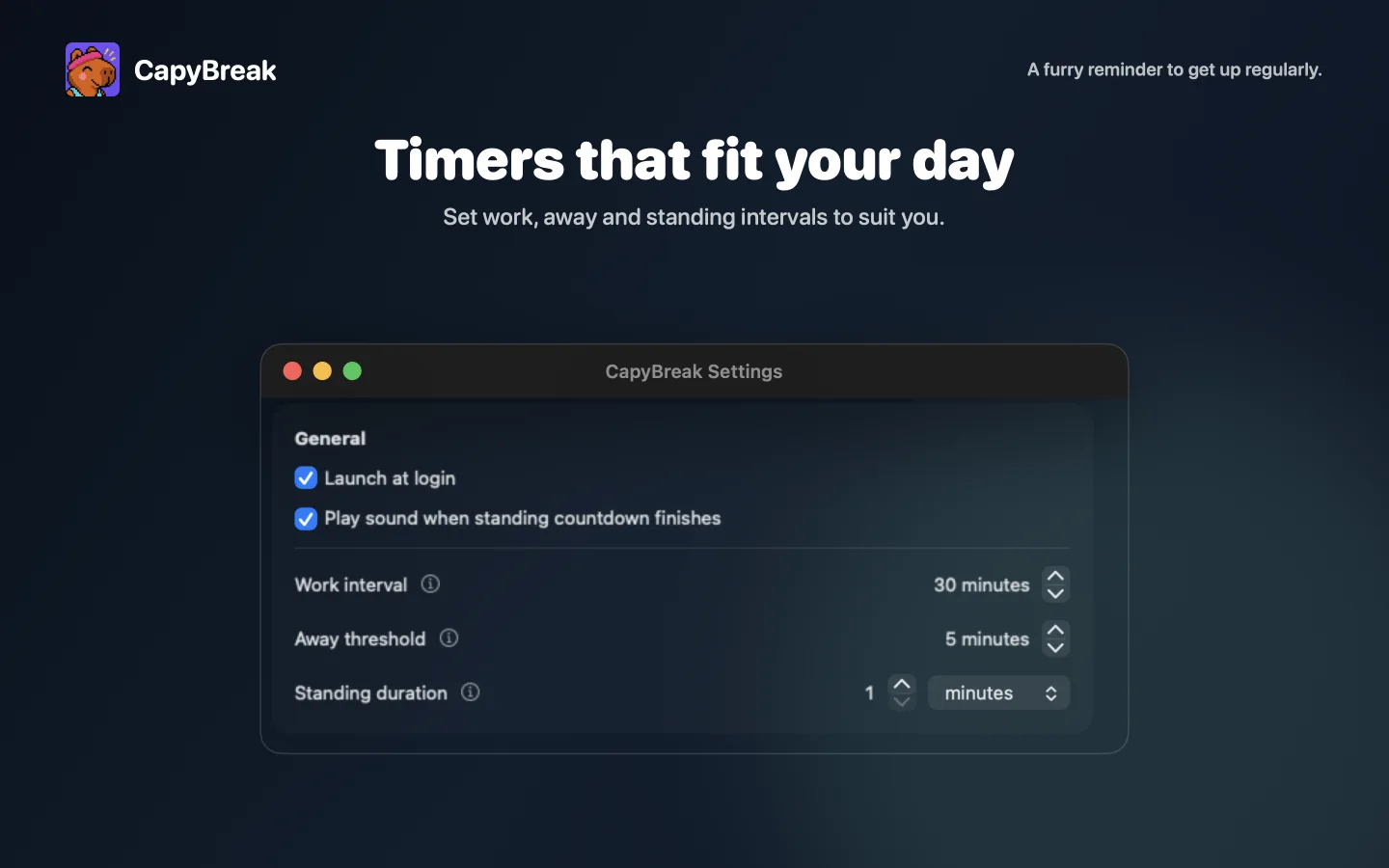
See the current timer when clicking the menu bar icon. CapyBreak stays out of the Dock.
Pick the motivational fitness capybara or a simple Classic timer.
Keyboard presses, clicks and scrolls count as activity. Pointer-only mouse movement is ignored.
Configure sitting, away and movement intervals, launch at login and the optional completion sound.
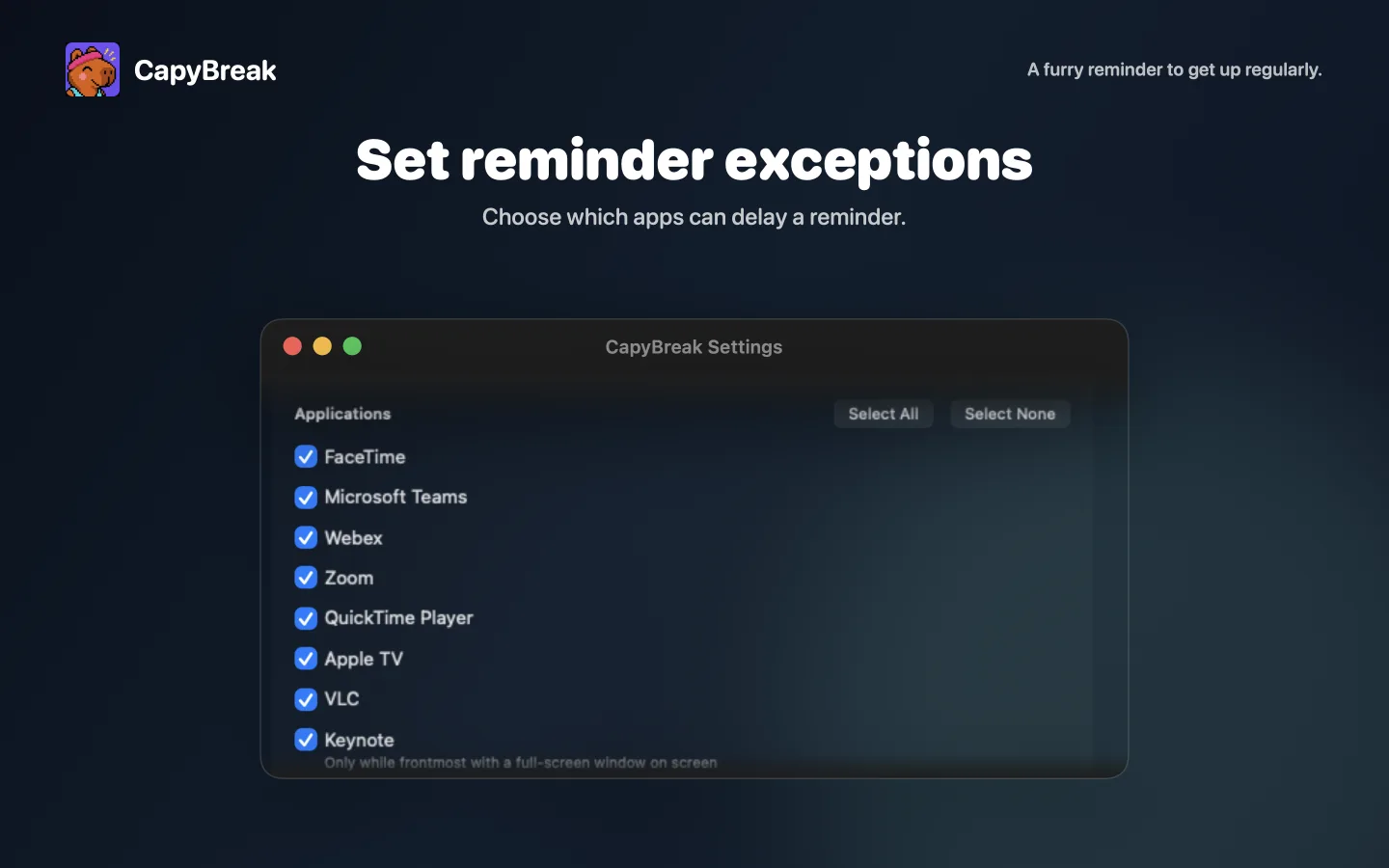
Delay a due reminder when you are in a meeting, presenting slides, playing a game or watching shows.
The app has no account, advertising, analytics, telemetry, cloud storage or networking feature.
For app support, feedback or feature requests, use the Contact section. Privacy requests and data protection complaints can be made there too.
Data protection complaints will be acknowledged within 30 days, investigated without undue delay and followed by an outcome.
CapyBreak is a general wellness timer. It does not provide medical advice, diagnosis or treatment.
Effective 26 August 2026
CapyBreak works locally on your Mac. It has no account, advertising, analytics, telemetry, cloud storage or networking feature. The app does not transmit personal data, activity information, browser addresses or settings to the developer or any third party.
CapyBreak stores your timer settings, enabled features and reminder-exception lists in its macOS sandbox. They remain on your Mac.
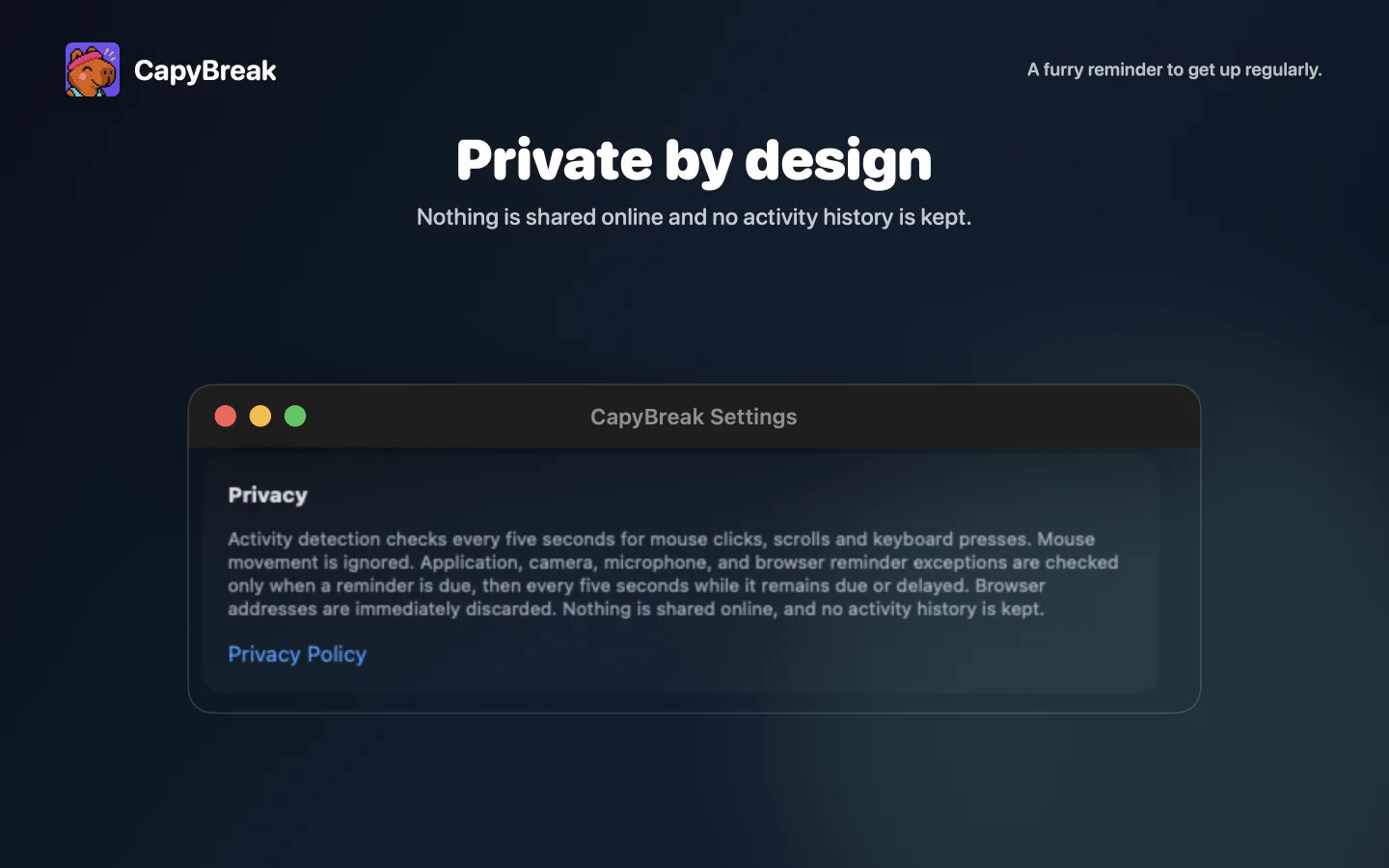
While the timer is on, CapyBreak uses aggregate system event counters to detect keyboard presses, mouse clicks and scrolling. It does not read or store the keys you press, typed text, pointer position, documents, screenshots, clipboard contents or activity history. Mouse movement alone is ignored.
When a reminder is due or delayed, CapyBreak may check application and full-screen window state, camera or microphone use, and, if you enable website exceptions, addresses of open Safari and Chrome tabs. These checks decide whether a reminder exception applies. CapyBreak does not capture application content, audio or video. Browser addresses are compared locally with your enabled list and immediately discarded.
The app does not sell, share or transmit personal information and contains no third-party analytics, advertising or data service.
Activity signals, device-use state, application and window state, and browser addresses are used temporarily and not retained. Local settings remain until you change them or remove CapyBreak's app data.
You can turn the timer off or quit CapyBreak to stop checks, disable reminder exceptions or revoke browser access in macOS System Settings. To uninstall CapyBreak, quit the app and move it from Applications to the Bin. To also remove its saved settings, delete ~/Library/Containers/com.capybreak.app.
If you email support, the information you send is used to respond to your request, investigate problems and handle privacy requests or data protection complaints. It is processed by the sender's and recipient's email providers and kept only as long as needed to handle the request or meet legal obligations.
These pages use no analytics or advertising. Vercel hosts the site and processes ordinary request information to deliver and secure it under its privacy notice.
The lawful basis for this processing is the developer's legitimate interest in providing support and operating a secure website. It is not used for advertising, profiling or automated decisions.
You may ask whether personal information is held about you and request access, correction or deletion where applicable. You may also object to or ask to restrict processing. Use the Contact section to exercise a right or make a data protection complaint. Complaints will be acknowledged within 30 days, investigated without undue delay and followed by an outcome. You may also complain to the UK Information Commissioner's Office.
For accessibility feedback, use the Contact section.
Developer and data controller: Alfred Strabel
Email: hello@alfreds.me
Use this address for app support, feedback, feature requests, accessibility feedback, privacy requests or data protection complaints.